This is basically two 1440p panels attached together... so not too different if you have really thin bezels.
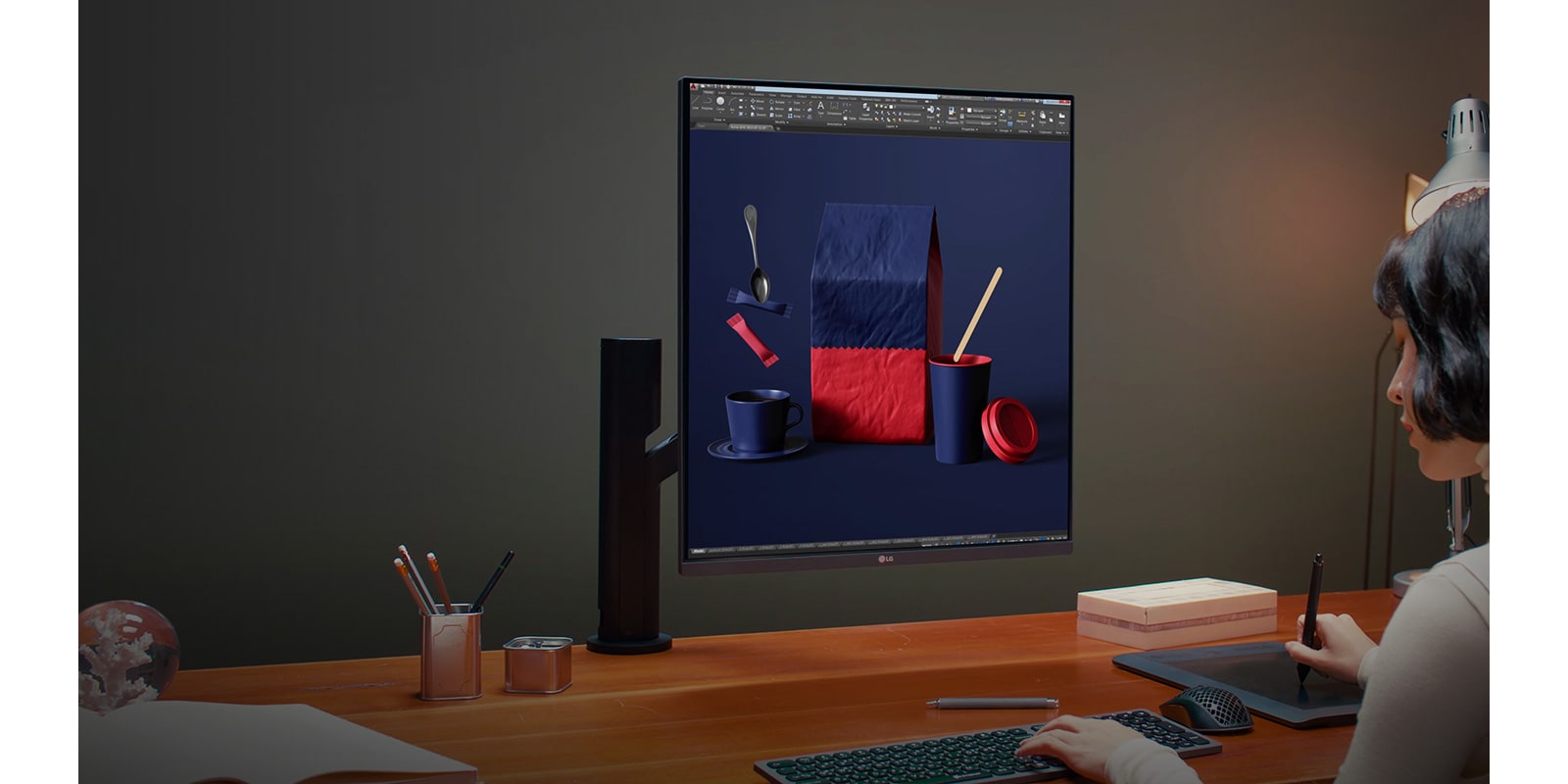
But what I'm curious about is if this acts as one monitor or two? None of the images show windows that overlap the middle of the screen. So is it one or two "virtual" screens?
If it is one virtual screen, I might think of it as more useful to me in the 18:16 orientation.


But what I'm curious about is if this acts as one monitor or two? None of the images show windows that overlap the middle of the screen. So is it one or two "virtual" screens?
If it is one virtual screen, I might think of it as more useful to me in the 18:16 orientation.